
Reporters lets you give external parties (such as security vendors, CERTs, anti-phishing organisations, and hosting providers) a dedicated API key so they can submit abuse reports directly into your case pipeline, without needing a full iQ Abuse Manager user account.
Each reporter's API key can only submit reports, check the status of their own reports, and mark them as resolved. They cannot view cases, notes, files, or any other data in your account.
Before you begin
You must have admin access to your iQ Abuse Manager account.
Have the contact details of the external party ready, as you will need to share the API key with them once it is generated.
Add a Reporter
1. Click Settings in the top navigation bar.
2. Select Reporters from the Settings menu.
3. Click + Add Reporter.
4. In the Add Reporter form:
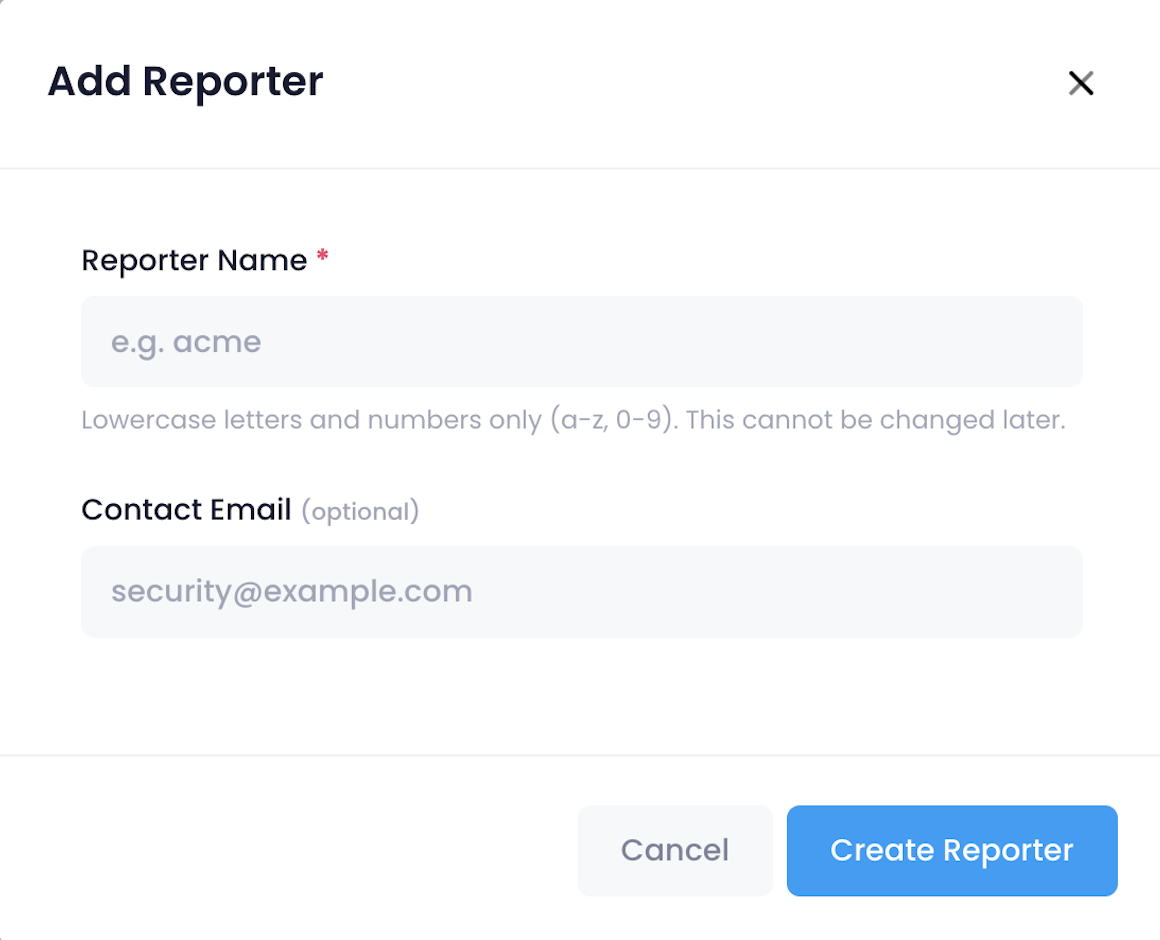
- Reporter Name: enter a name using lowercase letters and numbers only (a-z, 0-9).
For example: securityvendor or certbe. This name cannot be changed after creation.
- Contact Email (optional): enter a contact address for the external party. This is for your reference and does not affect access.
5. Click Create Reporter.
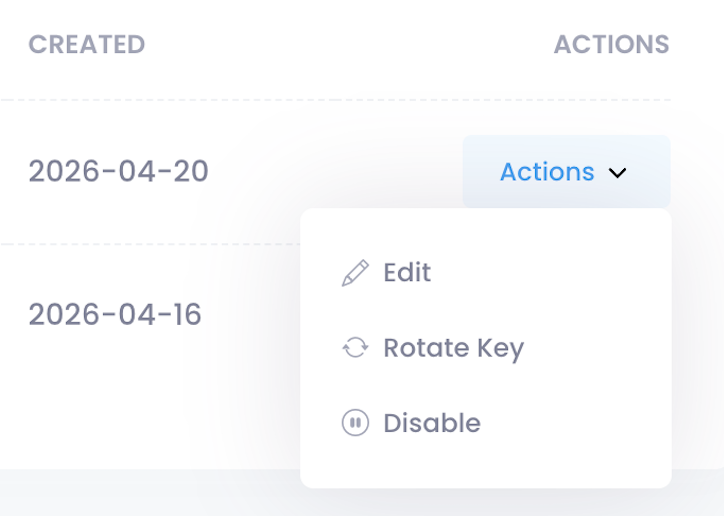
6. Copy the API Key shown on screen and share it with the external party. This key is only displayed once. If it is lost, go to Actions → Rotate Key to generate a new one and share it with the external party.
What you should see
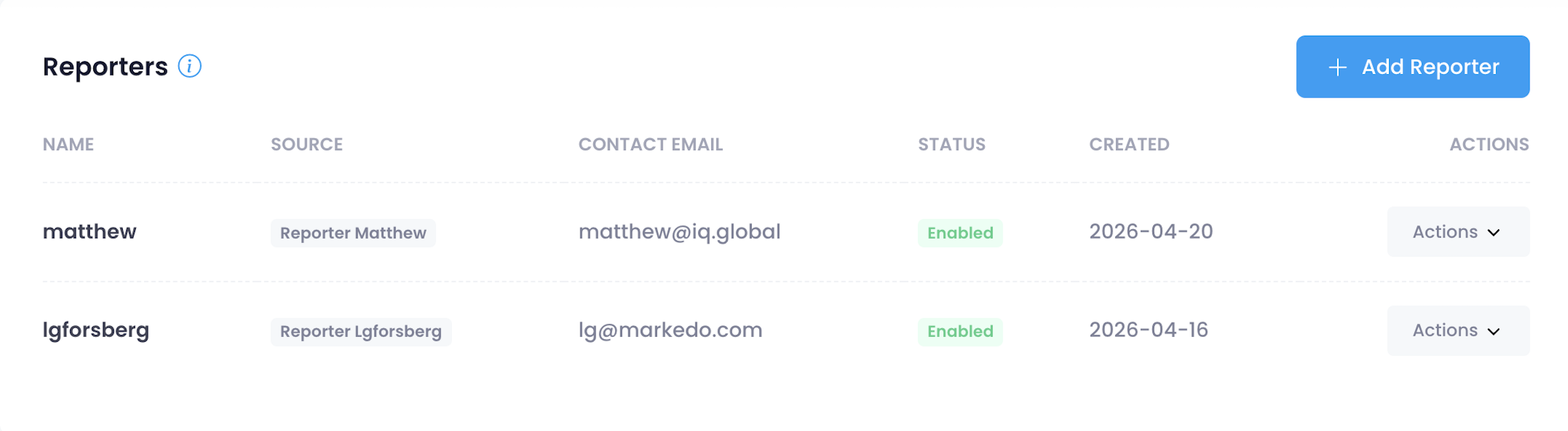
The new reporter is listed in the Reporters table with its name, source identifier (shown as Reporter [name]), contact email, Enabled status, and the date it was created.
When the external party submits a report via the API, the resulting case shows the source as Reporter [name], for example Reporter securityvendor.
Manage Reporters
From the Actions menu on any reporter row, you can:
- Edit: update the contact email address. The reporter name cannot be changed.
- Rotate Key: generate a new API key. The previous key is invalidated immediately. Share the new key with the external party so they can update their integration.
- Disable: deactivate the reporter. They can no longer submit reports, but existing cases from that reporter are not affected. You can re-enable a reporter at any time.