

Risk Score evaluates a domain and returns a verdict, malicious or not, along with a confidence level. It can catch a malicious domain before you would otherwise see a report on it. You can request a verdict yourself through the API, or let Abuse Manager score domains for you and open cases automatically.
Enabling Risk Score
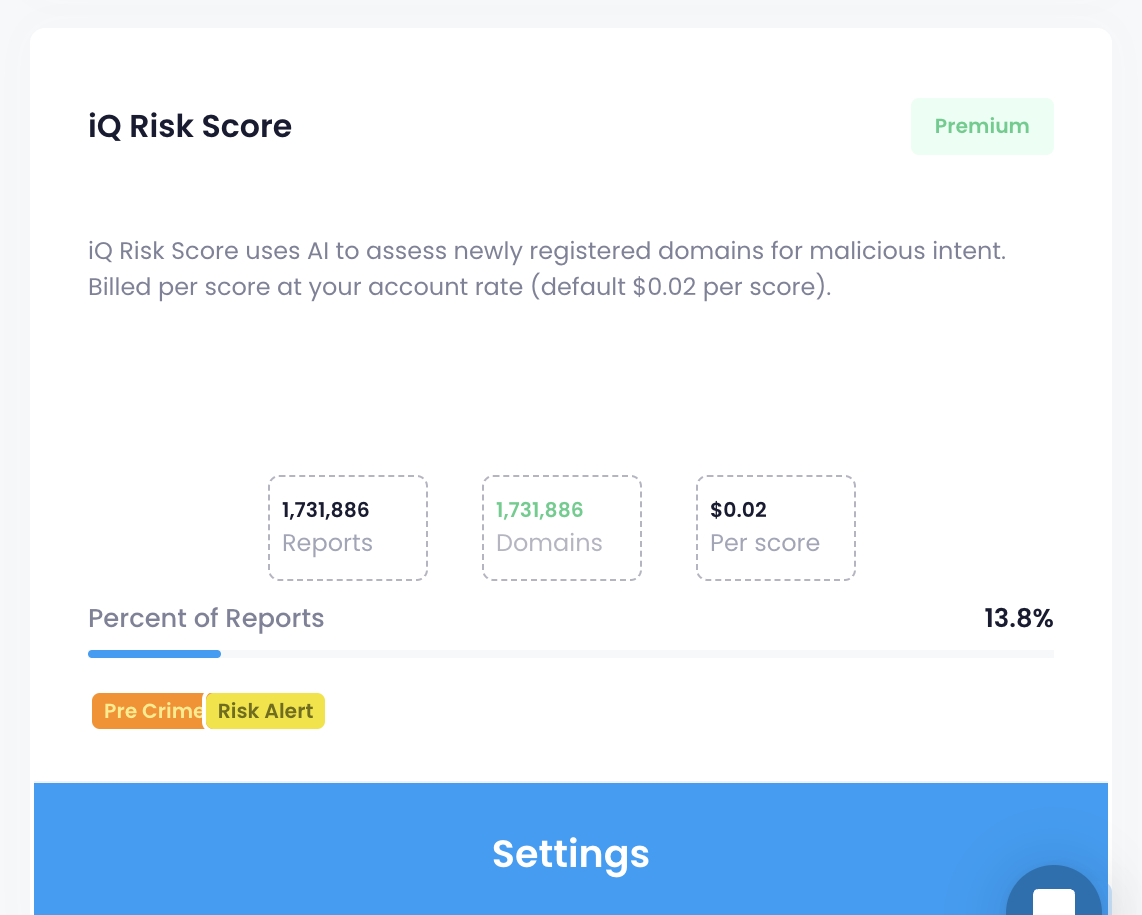
Risk Score is listed as a Premium feed in the Threat Intelligence page in the main menu, alongside your other feeds. Its card links straight to the Settings → Risk Score page.
Minimum confidence
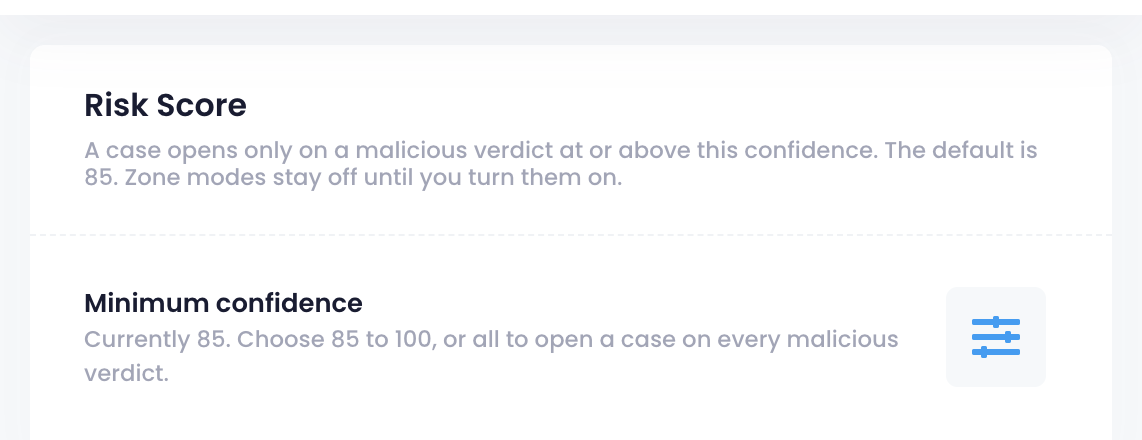
A case will be created when a verdict is malicious and at or above this confidence level. Confidence level is set at the account level, in Settings → Risk Score, and applies to both zone modes below.
The default is 85. You can raise it up to 100, or set it to "all" to open a case on every malicious verdict regardless of confidence.
Zone modes
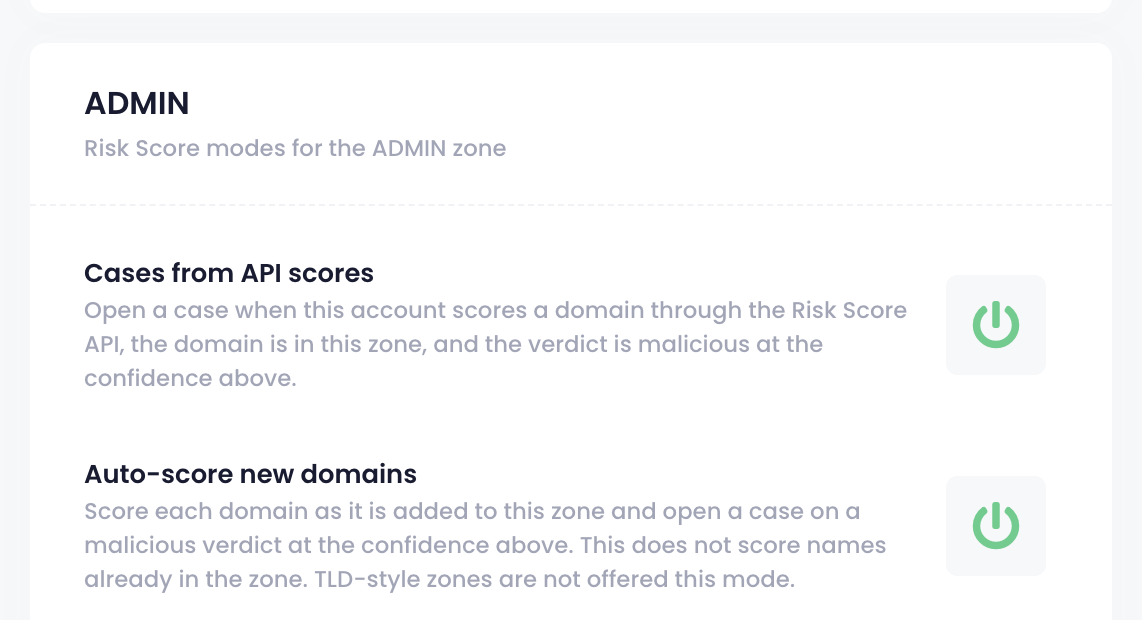
There are two independent modes you can turn on per zone, in Settings → Risk Score. Both are off by default.
Cases from API scores opens a case automatically when a domain in that zone is scored through the API and the verdict is malicious at or above your minimum confidence. API documentation can be found here: https://api.abusemanager.com/docs
Auto-score new domains scores each domain as it is added to that zone, and opens a case on a malicious verdict at or above your minimum confidence. It doesn't score domains already in the zone, and isn't available for TLD-style zones.
How a Risk Score case appears
A case opened by either mode is categorized as Risk Alert, in the Category column of the Cases table, separate from categories like Phishing or Malware. Filter or group by category to see your Risk Alert cases on their own.
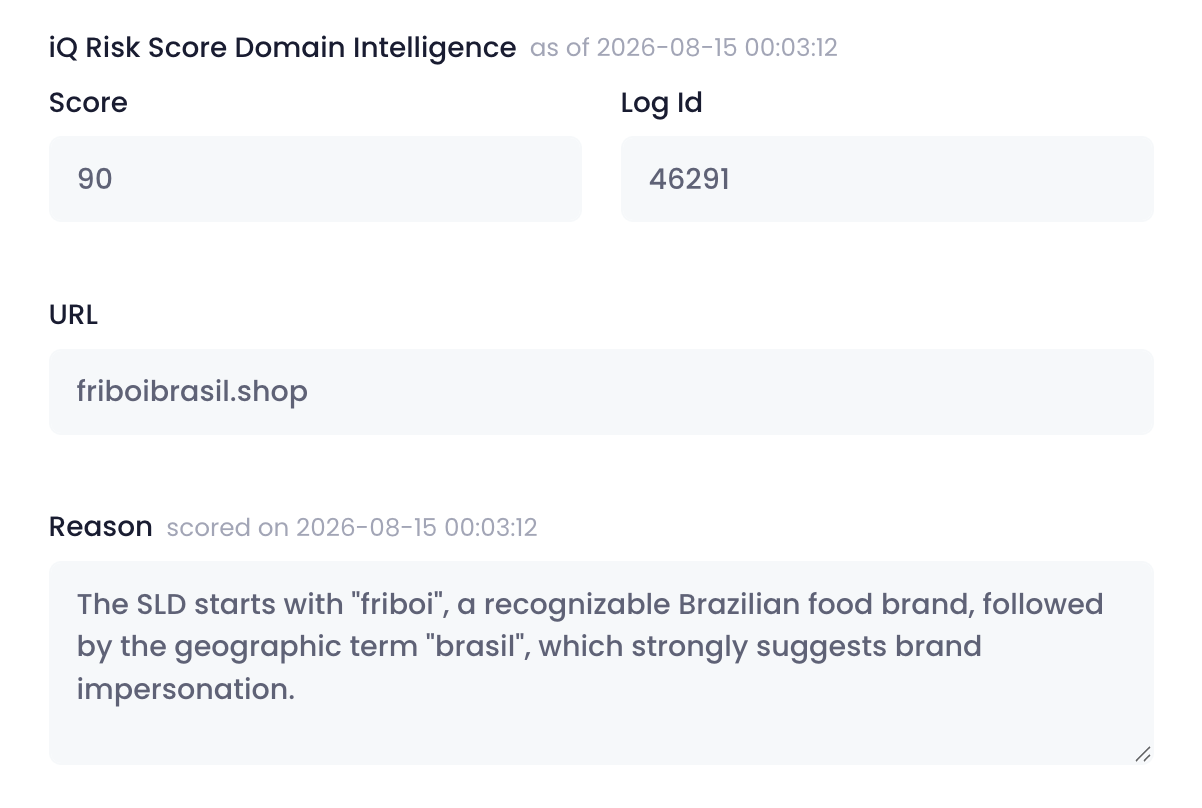
When you click on a case, the risk score information is included in the Details of the report.

Example report:
Related articles
Can I filter cases by abuse category? (includes Risk Alert as one of the available categories to filter or group by)