
XARF (eXtended Abuse Reporting Format) is an open, standardized JSON-based format used to report internet abuse (such as spam, phishing, and malware) between networks and security teams.
We currently support XARF version 4.0.
We support XARF in the following ways:
Import XARF reports
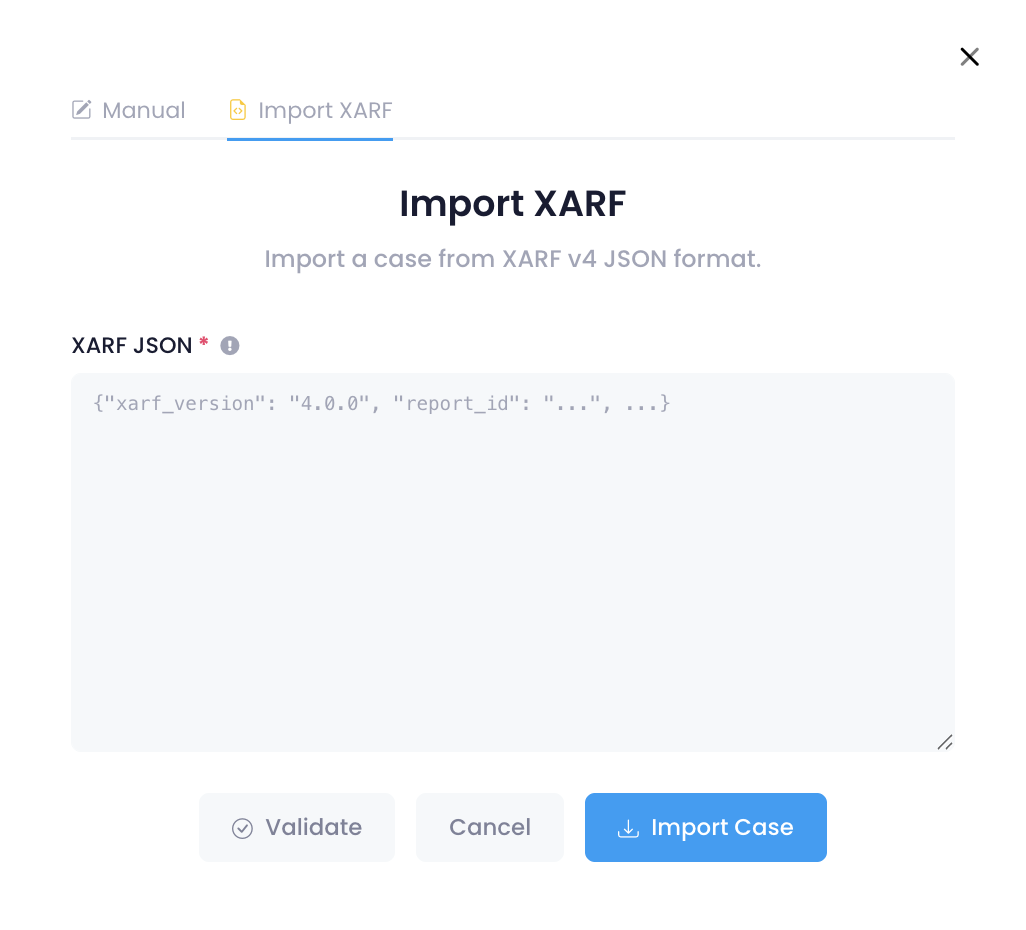
You can import a case from a XARF v4 JSON report:
Select Create Case
Choose Import XARF
Paste the XARF JSON into the text box
Click Validate to verify the JSON
Once validated, select Import Case
Once imported:
The domain name, category, and other relevant details are extracted automatically
A new case is created
The Threat Intelligence Feed is set to Manual
The original XARF report is saved in the Case Notes for reference
Viewing an XARF report
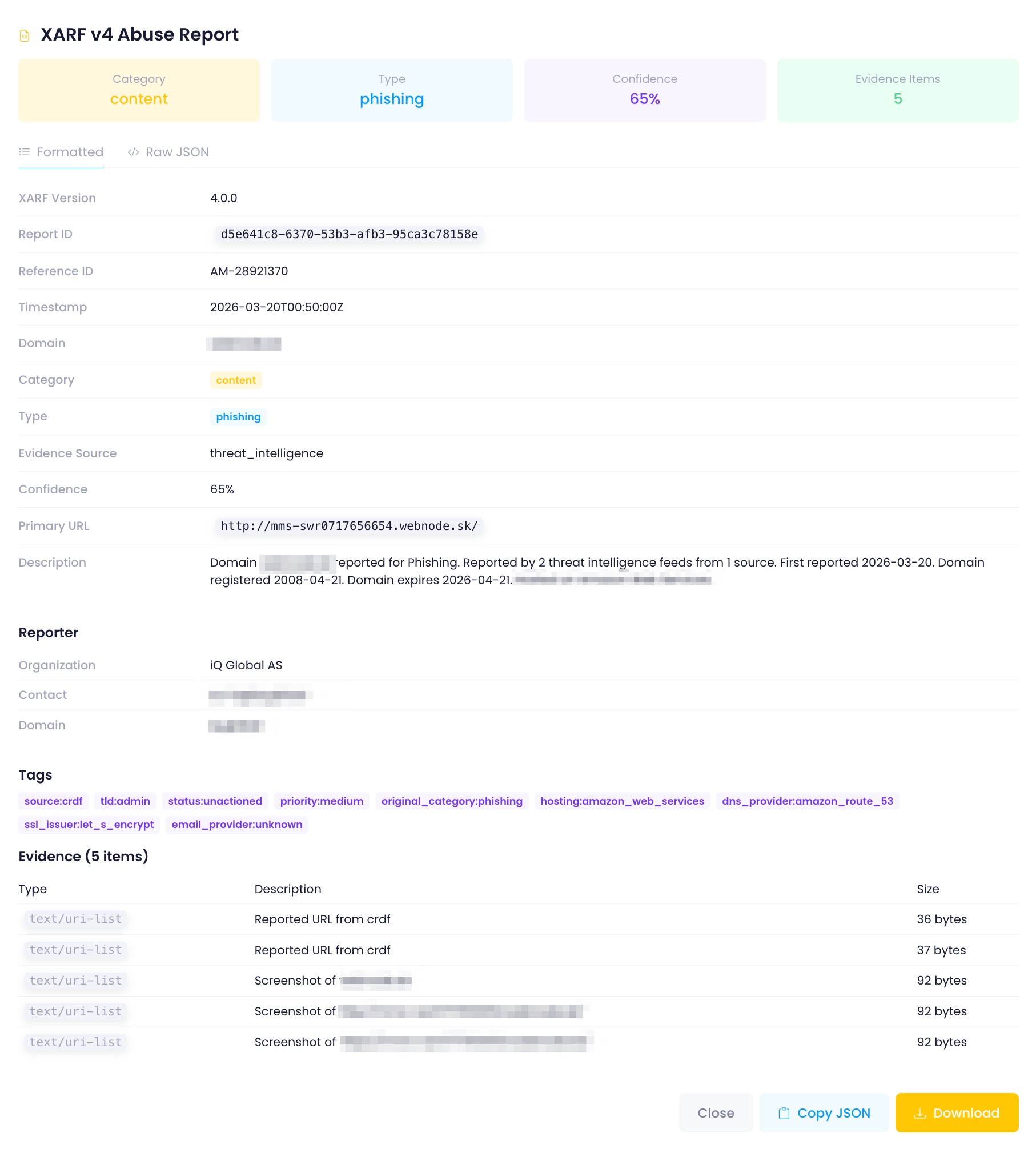
You can view or download the XARF report in the Case details. Select XARF in the top bar of a case.
Sharing an XARF report
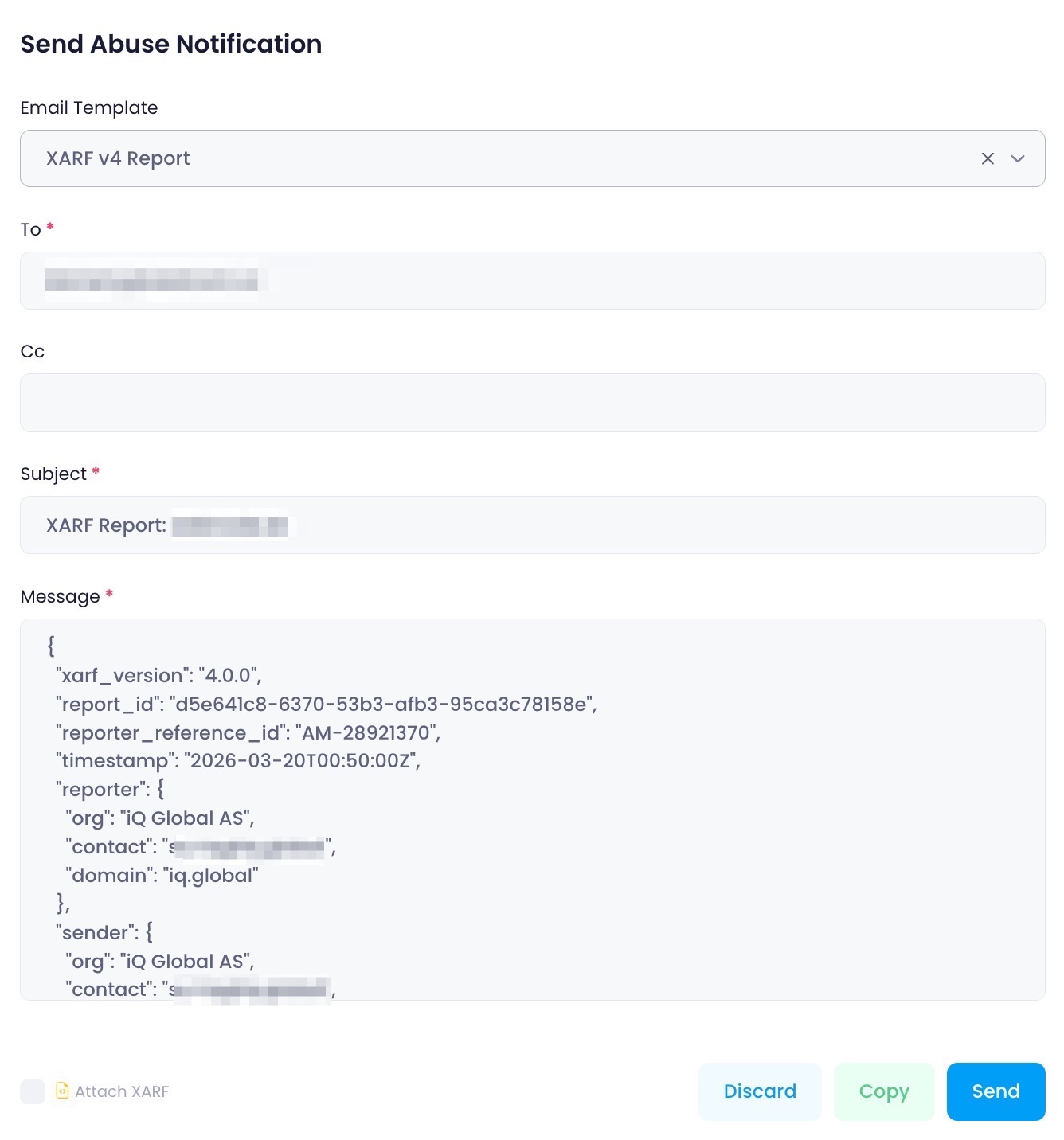
You can share a case as a XARF report via email:
Open the case from the Dashboard
Select Notify
Choose an email template
Enable the Attach XARF checkbox (located below the message body)
A default template, “XARF v4 Report”, is also available that includes the XARF report directly in the body of the email