

These tags appear in the case header when iQ Abuse Manager determines that the reported domain is either a verified legitimate brand or one of the most popular domains on the internet. Both are a signal to review the case carefully before taking action, the abuse report is most likely a false positive.
Reputable Domain
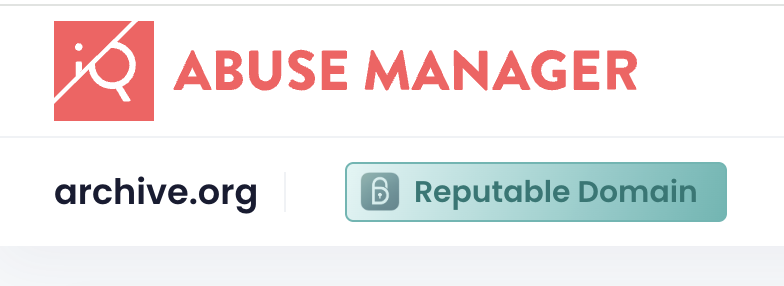
The Reputable Domain tag means the domain is listed in the Reputable Domains verified brand registry. Reputable Domains is a third-party service that maintains a whitelist of legitimate brand domains. To appear on the list, a brand representative must submit the domain with proof of ownership, and the Reputable Domains team manually verifies the submission before it is approved.
iQ Abuse Manager checks reported domains against this registry automatically. When there is a match, the tag is displayed.
A domain with this tag is most likely a false positive but you should still review the specific report details before deciding how to proceed.
Tranco Top 100k
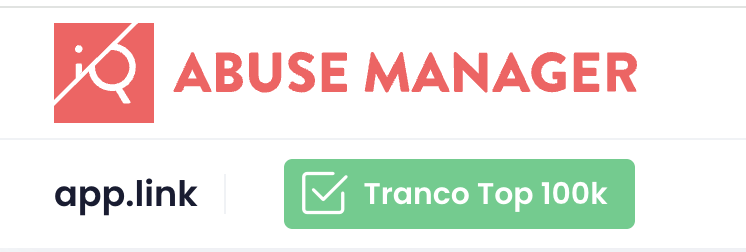
The Tranco Top 100k tag means the domain ranks in the top 100,000 most popular domains on the Tranco list. Tranco is a research-based popularity ranking that combines data from multiple top-site datasets. Domains that appear here are widely recognised and frequently visited.
iQ Abuse Manager can also display the domain's full Tranco rank as a read-only value in the Custom Data section of the case, and as a column in the Cases table. Once you add the Tranco Rank custom field, iQ populates the value automatically. See Can I add my own data to abuse cases?
A high-traffic domain appearing in a phishing or malware report is not automatically safe, but it does increase the likelihood that the abuse is confined to a specific URL or subdomain rather than the entire domain. Check the report details and any specific URLs before actioning.
Where do these tags appear?
Both tags appear in the case header, directly next to the domain name, separated from it by a vertical divider. You will see them as soon as you open a case, no scrolling required.