

Yes. The Database Filters panel includes a Cases in AGP only toggle that filters your full case history to show only cases involving domains currently in their Add Grace Period (AGP).
Details
What is the Add Grace Period?
The Add Grace Period (AGP) is the 5-day window following initial domain registration during which a registrar can delete the domain and receive a full refund from the registry. Domains that are registered and quickly deleted are often associated with spam, phishing, or other bulk-registration abuse patterns.
The Cases in AGP only filter returns cases for domains that are currently within this 5-day window, recently registered domains that can still be deleted for a full refund.
When to use this filter
Use this filter when you want to identify cases where you can act quickly by recommending or initiating a deletion before the grace period expires. This is particularly useful for registrars handling phishing or spam domains that were registered within the past 5 days.
How to apply the filter
Go to Cases in the main navigation.
Click Filters in the toolbar at the top of the page.

The Database Filters panel opens.
Toggle Cases in AGP Only on.
Click Apply.
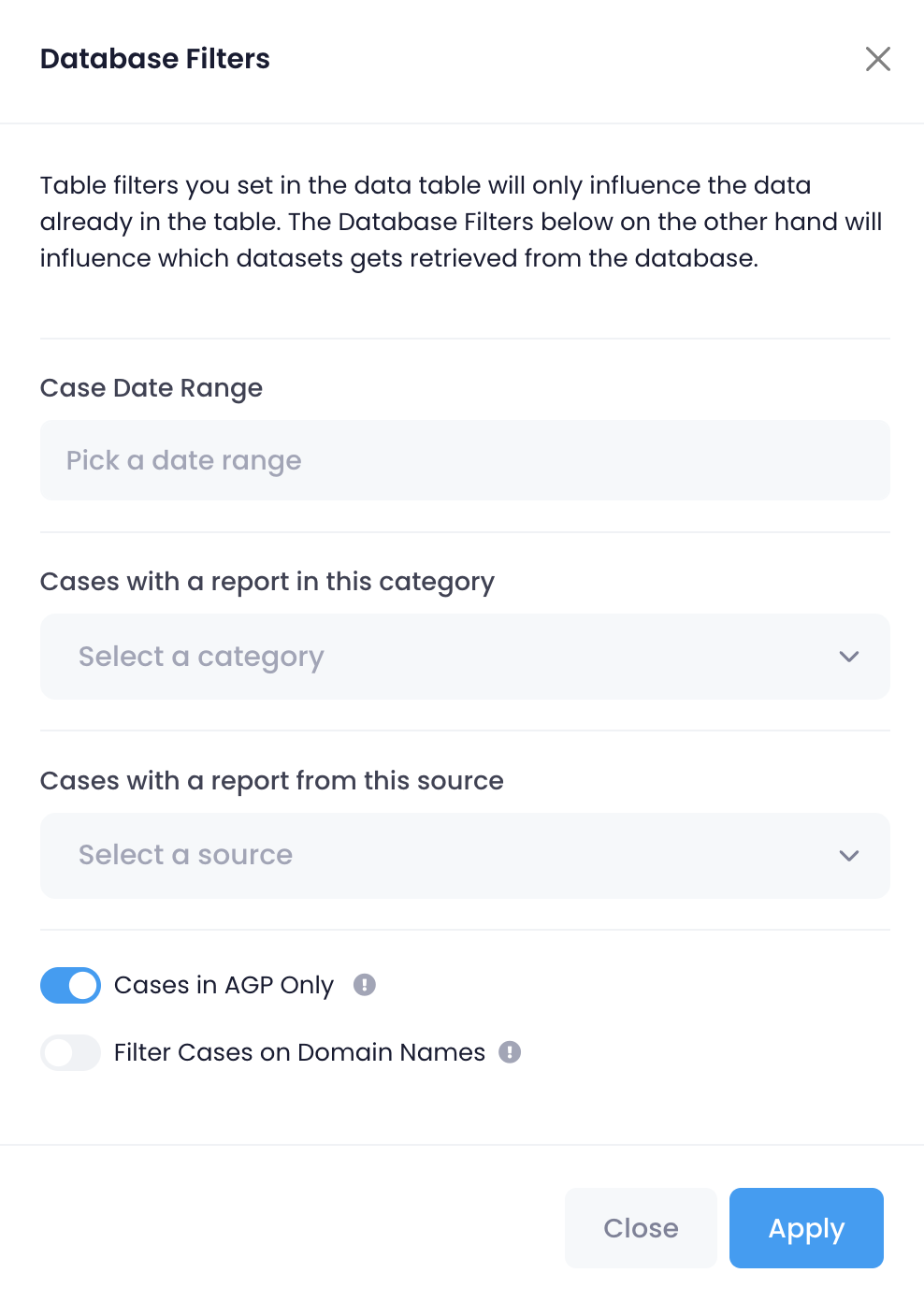
The Cases table reloads and shows only cases involving domains that are currently in their Add Grace Period.
Clearing the AGP filter
To remove the filter, open the Database Filters panel, toggle Cases in AGP only off, and click Apply again. You can also click Reset in the Cases toolbar to clear all active filters at once.